
Underwater Wreck Scans
Gaudi said that "there are no straight lines or sharp corners in nature", and that's especially true for anything found underwater. The challenge of representing extremely bumpy and barnacle-encrusted objects in a computer highlights the shortcomings of triangle-based 3D approaches. Technical scuba diving means going beyond the recreational 40 meters in depth, and that's where Brett Eldridge finds most of the wrecks that he scans with photogrammetry. We are proud to show how not one, but multiple of his hugely detailed scans can now be viewed in a browser, on a phone, or in mobile XR headsets - without compromising on size or detail!
Photogrammetry output can't be shared without discarding data
Undecimated photogrammetry data is hugely detailed and heavy, which runs up against hard limits imposed by conventional 3D technologies: they typically can't handle more than tens of millions of triangles - while Brett's raw underwater scan output often contains a hundred times as much geometry! The necessary reduction in size and detail to even view the results defeats much of the hard work and purpose of capturing these sites.
Multiple sites can now be easily conveyed without compromise
With the Atomontage platform's breakthrough approach to progressive streaming and efficient client-side rendering on common/mobile devices, hard limits are no longer imposed on the geometric size and detail of these incredibly enthralling reality captures. Entire wrecks along with every scanned detail can be preserved and easily shared through a URL, without losing any of the sub-millimeter geometry or color accuracy of the data.
From capture to living World
Underwater photogrammetry capture
Brett's photogrammetry is a painstaking process of taking thousands of overlapping photos at technical diving depths. (Photo © Drew Wilson)
The photogrammetry software processing
Using existing software solutions, the many photos are then turned into a 3D reconstruction of the scene or object.
Uploading ALL the data to Atomontage
The undecimated output exported from photogrammetry workflows is uploaded to our backend, and processed.
Assemble many datasets into a single World; edit them with intuitive tools
Heavy scans can be interactively arranged and improved with intuitive tools to remove artefacts - all in a browser.
Sharing the finished World with a URL; sending viewers to a specific vantage point
The whole World can easily be shared with anyone else in the world, sending them to a chosen place inside to meet.
Recipients of the World URL can view ALL captured details on almost any device
Seconds after clicking the link, viewers can interactively experience it all - in their browser, phone, or mobile XR.
"It is very cool to have several of my airplane wreck scans in one space - at a level of detail that I previously couldn't share in even a single model! I have been working on high resolution underwater photogrammetry for a while, but lacked the ability to easily show my output to other people with the proper level of detail. For any professional (archaeologists, doctors, etc.) who is looking to put 3D data online for others to view, I think Atomontage is a great solution."
Upload your heaviest data - for free
Other use cases
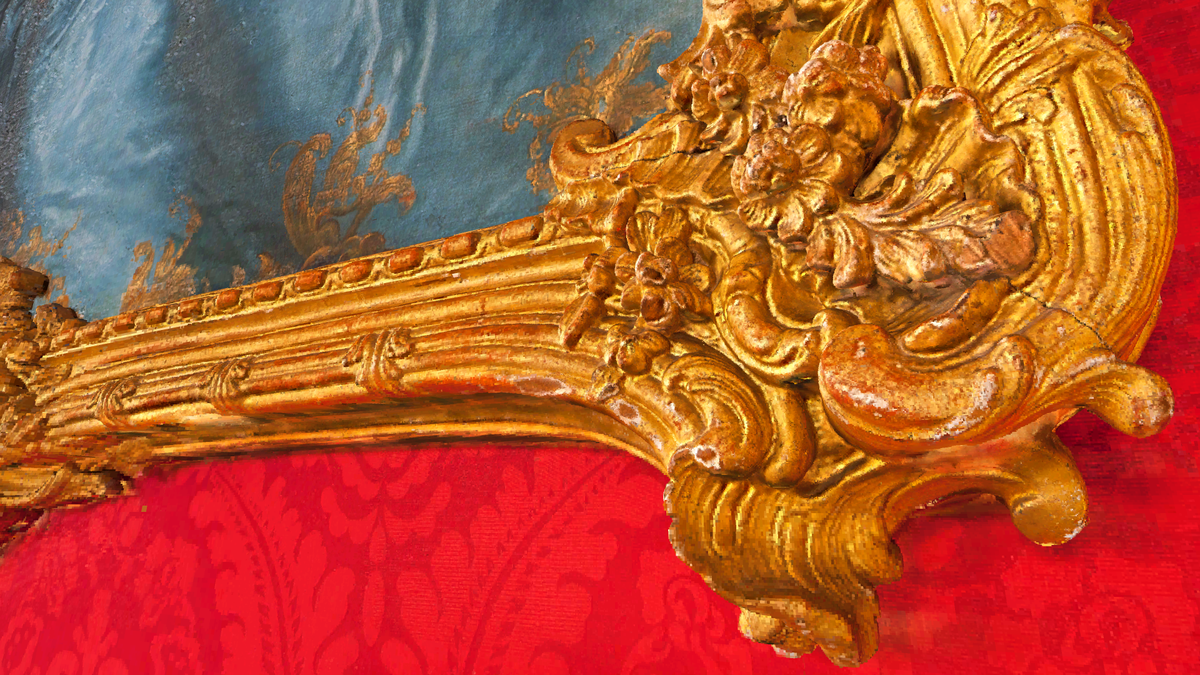
Paul Safko - sub-millimeter cultural heritage
An entire Czech palace salon - paintings, baroque furniture and all - captured and shared at 0.125mm in a single World.
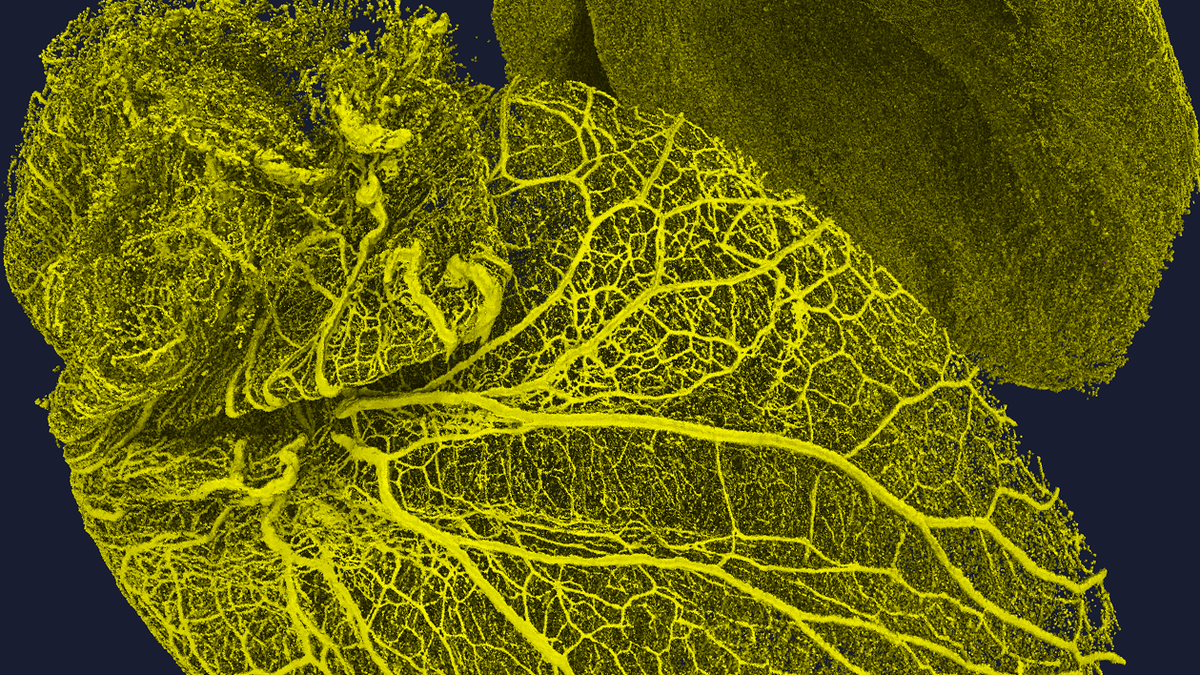
Karolinska Institute - the Human Protein Atlas
Researchers mapping every protein in the human body share full-resolution iDISCO+ light-sheet stacks - no cropping, no downsampling.